Photoreal Texturing in Blender
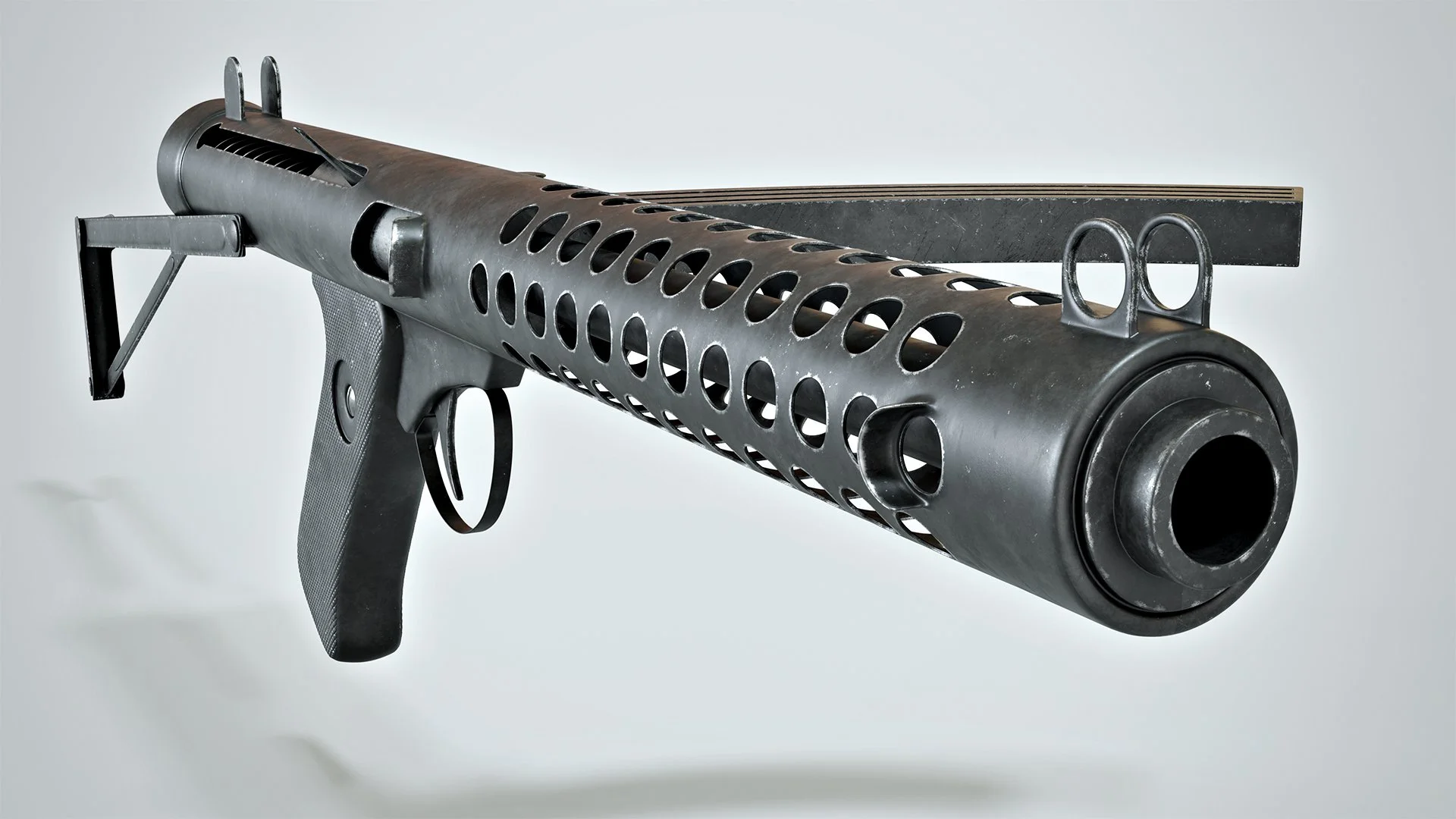
What is it that makes a texture look real? Realistic textures are not just a boring technical necessity, they play a crucial role in bringing your renders to life. Your textures should tell a story: where has this object been, how has it been used? Materials with depth, subtle imperfections, and rich layers of detail will make an item feel tangible.
The difference between a good render and a great one often lies in the texturing. The attention to detail, the tactile quality of the object, and the visual richness and complexity of the materials all play a crucial role in the realism and appeal of your images.
In this course, you'll learn how to create professional-quality textures in Blender from the ground up. Through a practical, step-by-step workflow, you'll master techniques ranging from texture painting to creating your own seamless, photorealistic tileable materials.
Some of the key concepts involved include layering and combining textures, and knowing how to effectively use photographic assets. These techniques will allow you to create convincing micro-details that will feel so real you can touch them.
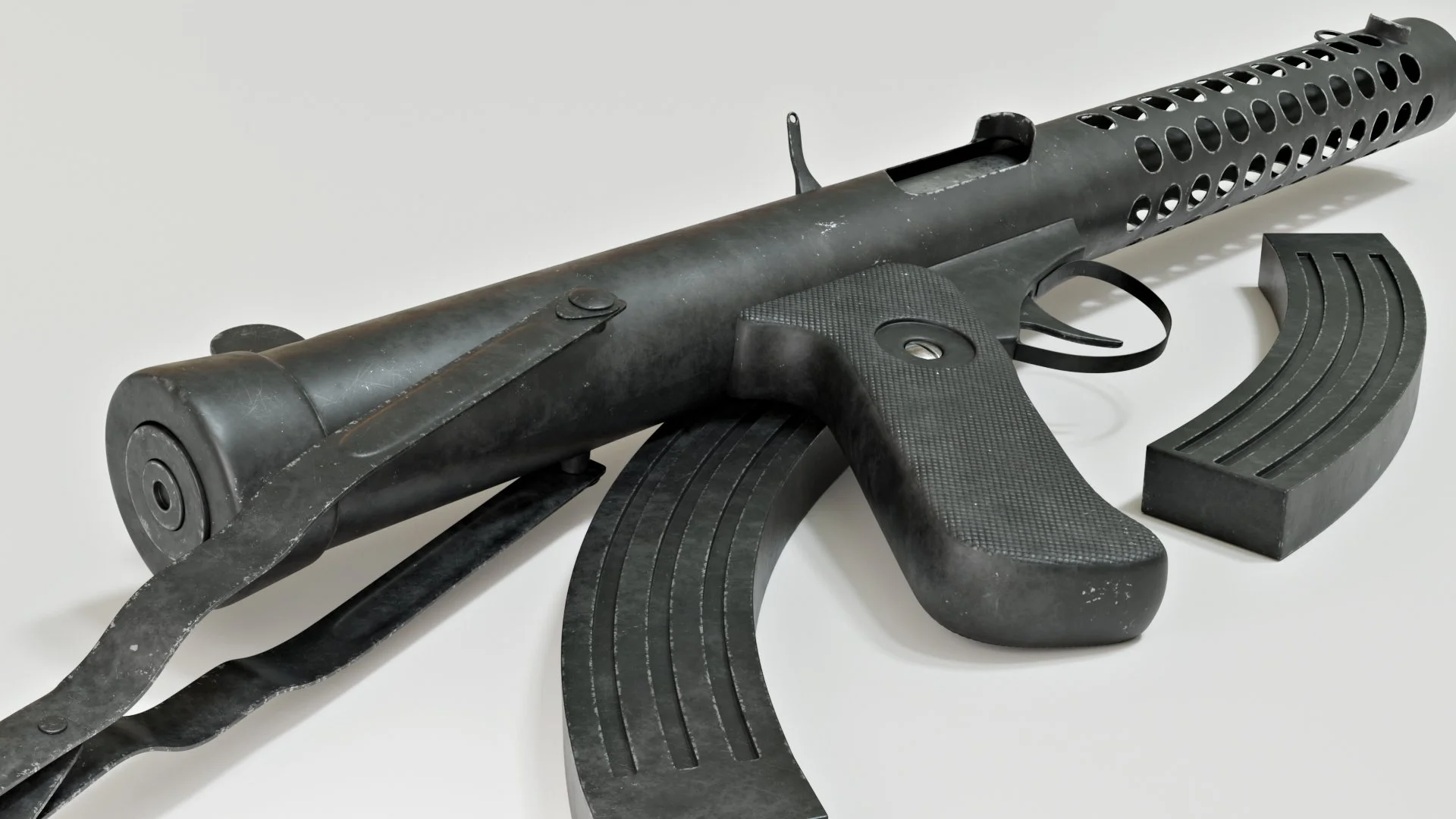
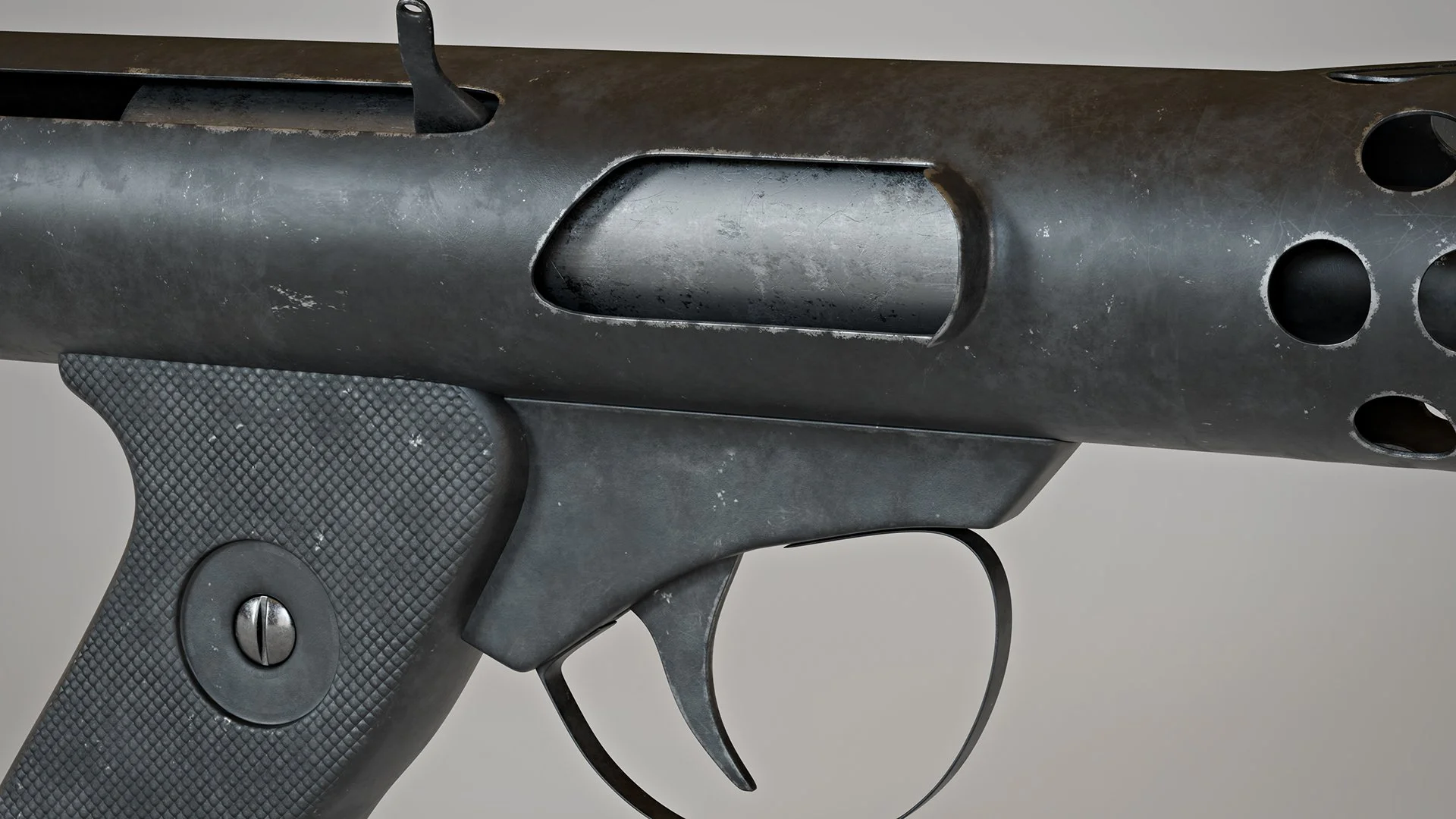
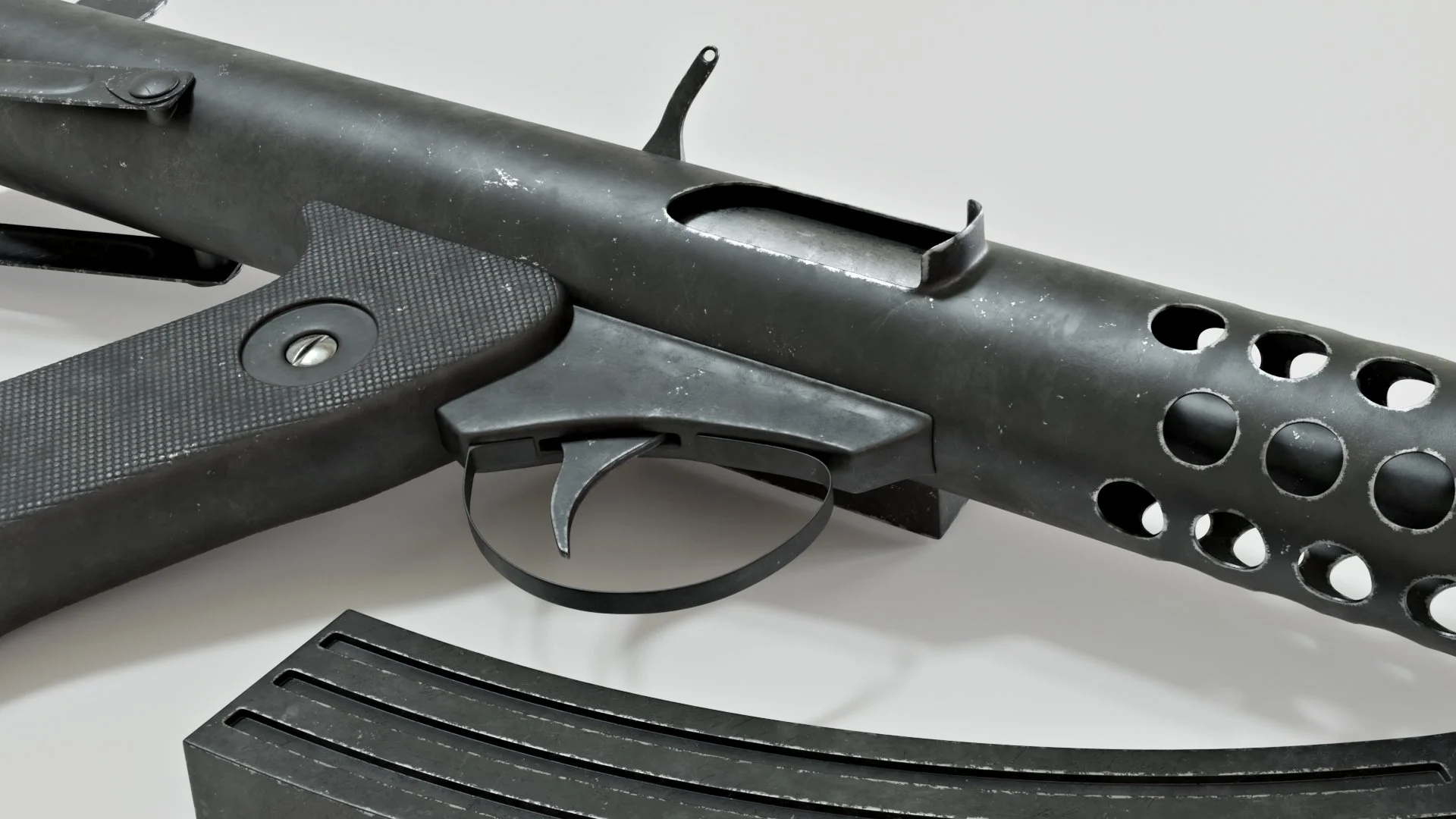
It's the tiny scratches, worn edges, surface variation, and carefully crafted micro-details that transform a decent render into a truly great one. And the more you zoom in, the more your textures will come to life, revealing more detail the closer you get.
The course will cover many crucial techniques, such as creating procedural masks to selectively add edge wear to your materials, and creating custom displacement maps such as the one used to detail the handle of the gun.
The training will also show you how to effectively use the texture painting toolset to create detailed textures brimming with detail and variety.
There is a lot more to texturing than just slapping on roughness and bump maps. Carefully layering maps to create compounding micro-details is a much more professional approach, and this training will show you how it's done.
YouTube videos are great for getting quick information on specific features. But a structured course like this one is a different proposition: the aim is not to demonstrate tools or features, but to teach a process that will transform you into a better texture artist.
A common mistake is to rely too heavily on roughness maps, when layered materials would be a more appropriate approach. In this training roughness maps are only ever used to vary the glossiness of the materials, not as a substitute for proper masking between two different types of surfaces.
By the end of this training, you'll have the skills and confidence to create textures that hold up under close inspection and bring your renders to life. Whether you're creating products, props, environments, or portfolio pieces, you'll be able to produce materials with the realism and craftsmanship that make your work stand out.
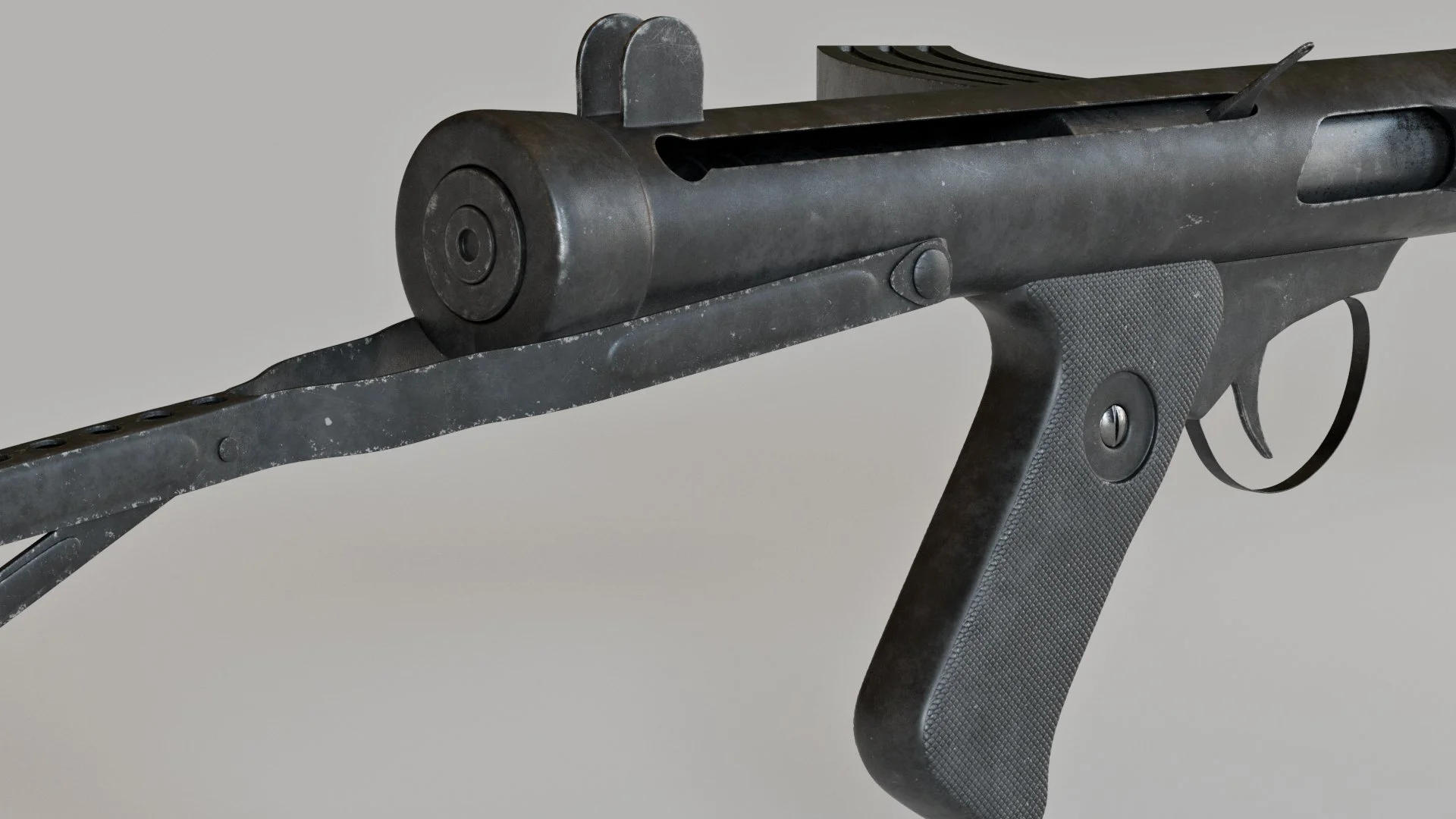
In this course you will discover how to:
Layer and blend textures to create natural-looking materials.
Build convincing micro-details that become more impressive the closer you zoom in.
Use photographic assets effectively without making your textures look repetitive or artificial.
Create procedural masks for realistic edge wear and material transitions.
Design custom displacement maps that add depth and complexity to your models.
Paint varied and interesting surface details using Blender's texture painting tools.
So take the guesswork out of texturing, and join me in Photoreal Texturing in Blender.
Watch the intro video here: